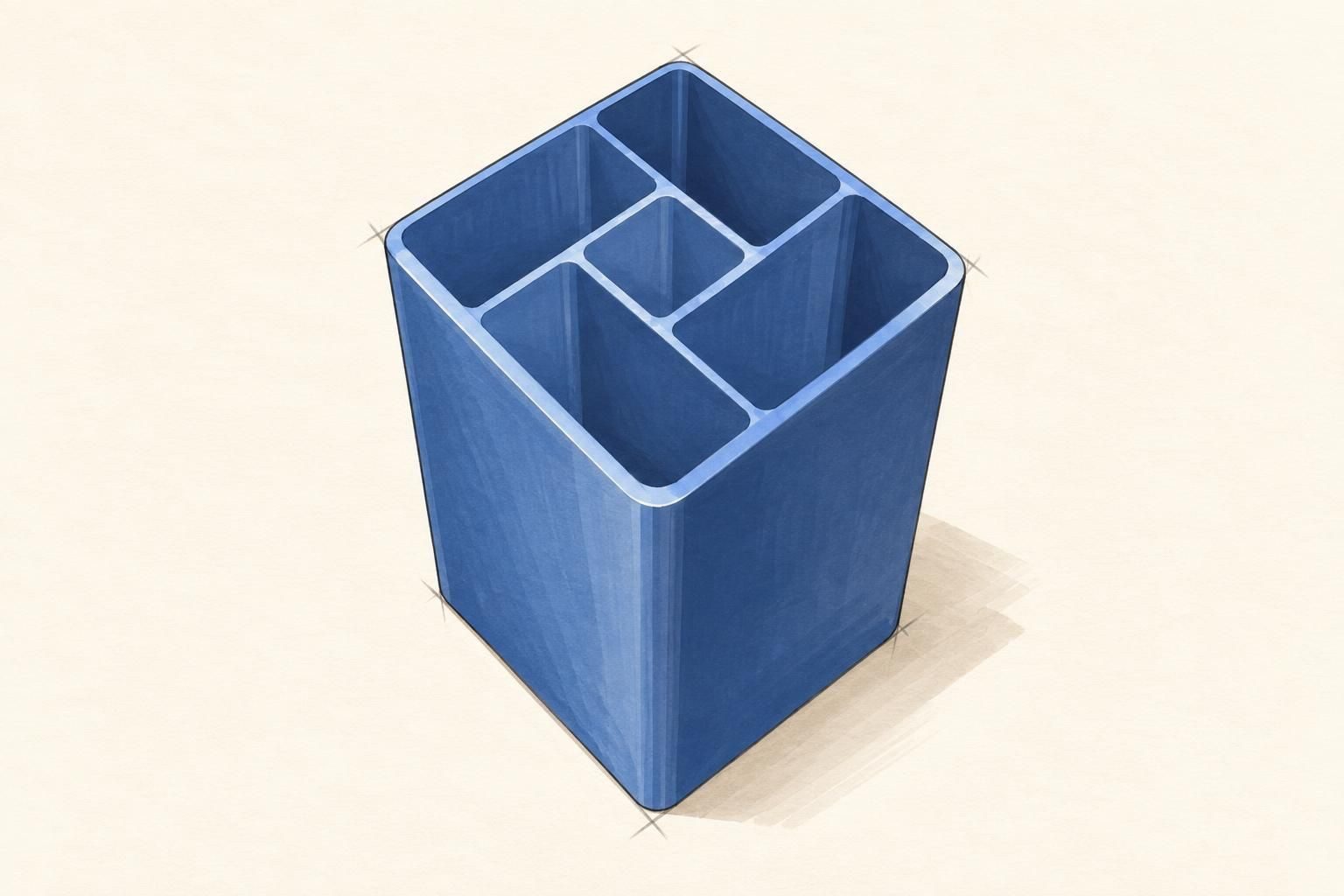
You start a forge by typing a sentence. A part appears, and from there it is a conversation: you say what is wrong, it changes, you look again.
That is the whole loop, and it is worth knowing before anything else, because it takes the pressure off the first message. You are not filling in a form and you are not writing a specification. You are starting a conversation with something that will show you its work.
Start with what it has to fit
The assistant builds from what you say, so the most useful habit is saying the thing that constrains the shape.
"A desk hook" could be almost anything. "A desk hook that clamps to a 30mm shelf" can only be a few things, and the difference is one number.
Dimensions that come from the real world do more work than adjectives do. A shelf thickness, a bolt diameter, a phone's width, the 32mm pipe you are actually holding. If you know one, lead with it. If you know three, say all three.
Then say what it has to survive
"It holds a coat" and "it holds a wet towel" produce different wall thicknesses. "It sits on a desk" and "it bolts to a trailer" produce different parts entirely.
You do not have to work out the thickness yourself. Say what the part is up against and let the assistant choose — then check its choice, which is what lesson 3 is about.
The first message does not have to be the whole brief
This is the part people get wrong, usually by trying too hard.
A first message of two sentences that gets you a roughly right part is better than five minutes of drafting, because now you have something to react to. "That's close, but the hook is too shallow" is easy to say about a part on screen and hard to say about an idea in your head.
So send the short version. Then keep going:
- "Make the base 20mm wider."
- "The screw holes are too close to the edge — move them in 5mm."
- "Round the corners a bit so it doesn't catch."
- "Actually, can it clamp instead of screwing on?"
Every one of those is a normal thing to say, and none of them starts over. The forge updates in place, the parameters you already have stay where they are, and you can undo if you liked the last version better.
The panel on the right is the other half of the conversation
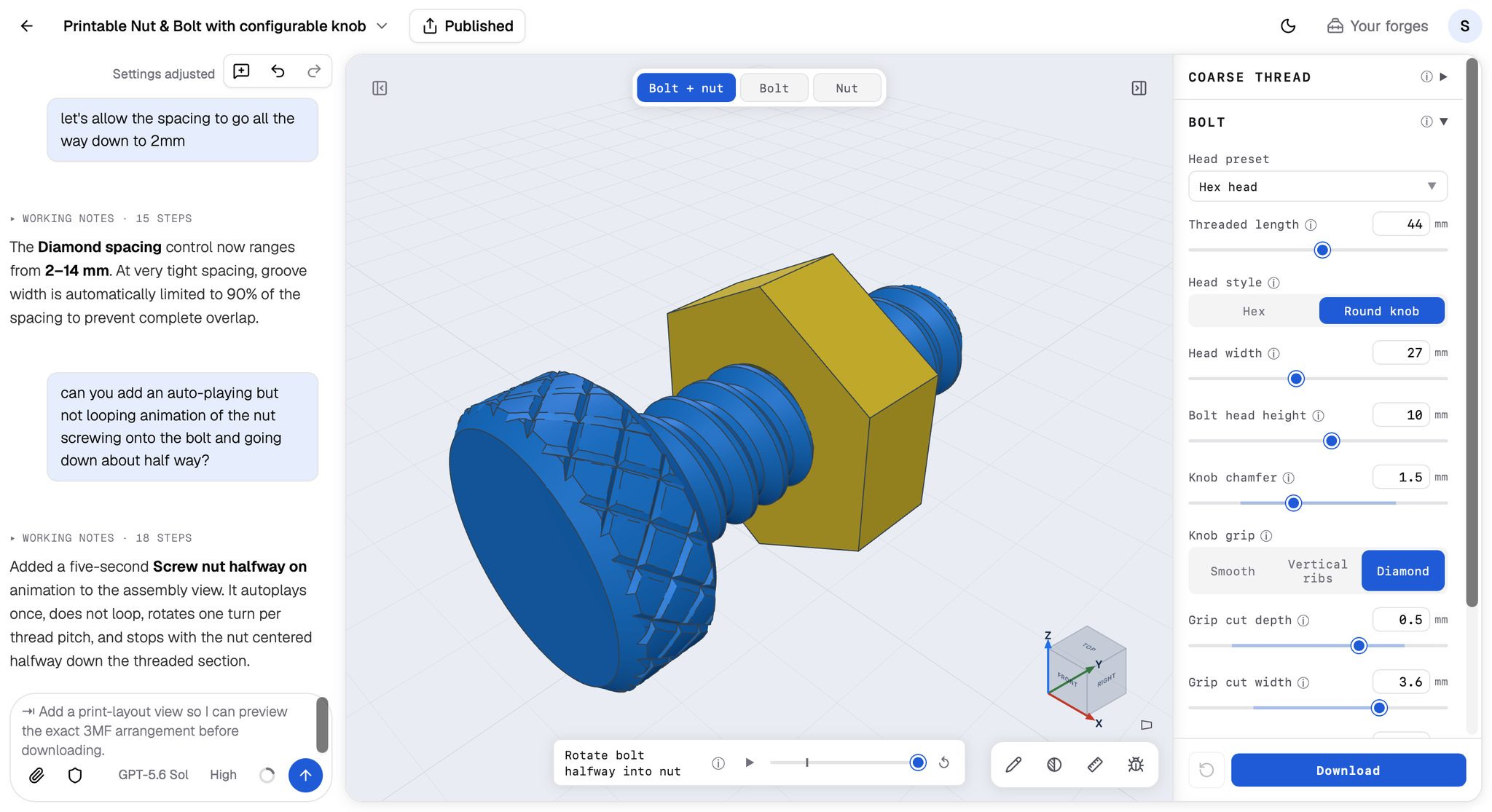
Once your part exists, look at the panel down the right-hand side of the viewer. That is the forge's control panel, and it is built out of the same numbers the assistant used to make the part.
Sliders, number boxes, tick boxes, dropdowns — whatever the part needs. Drag one and the part rebuilds in front of you, usually instantly.
Three things worth knowing about it:
You can type as well as drag. Every numeric control has a number box next to its slider. The slider covers the range that usually makes sense; the box takes any value you type, including one outside that range. If the value is too far out for the part to build, the viewer keeps the last good version and tells you.
Your changes are saved. Moving a control is an edit to the forge, not a preview — the new value becomes the forge's default, and a note appears in the chat saying so. If you want the original numbers back, the reset button at the bottom of the panel restores them.
If a control you want isn't there, ask for it. "Make the wall thickness adjustable" or "add a control for the hole diameter" is a normal request, and it is what lesson 3 ends on.
Click the part to point at something
The third place you can say things is the part itself.
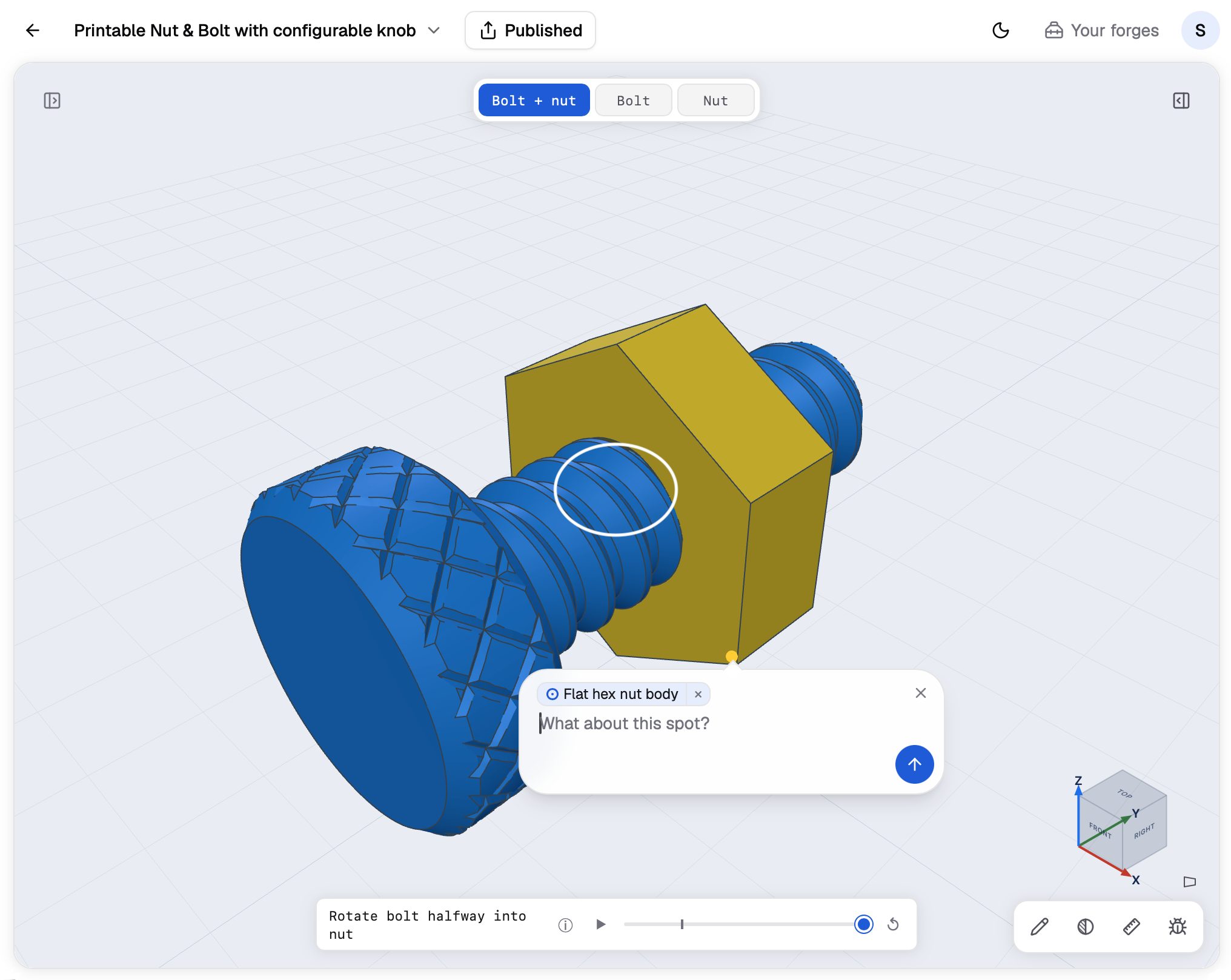
Click anywhere on the model. A marker drops where you clicked and a small box opens beside it, and whatever you type there is attached to that exact spot.
This is the fix for every sentence that starts "the thing on the…". Instead of "the little tab on the left, no, the other one", click the tab and say "this is too thin". The assistant gets the point you clicked, which face it is on, and what that feature is called.
You can click more than one spot before you send. Click two holes and say "these two need to line up with an M4 screw", and both points travel with the message.
Pointing and drawing get a lesson of their own. That is lesson 2.
Keep going
The parts that come out best are almost never the first result. They are the fourth or fifth, after someone looked at the thing, noticed the hook was shallow, said so, and looked again.
Say the short version. Look at what you get. Say the next thing.