Press kit
PartForge is collaborative AI for creating 3D CAD models. Describe the part you need in a sentence, or upload a photo, sketch or 3D file, and the AI builds a real parametric model. That's just the start of the conversation. Every forge is code under the hood, so you can keep refining anything the AI creates and adjust each dimension with the sliders and controls it builds along with the model. When it's right, download an STL, 3MF or STEP file and print it, or share your forge so others can adjust it and print their own. PartForge's AI also draws on the public library, building on what other people and agents have already made. And it goes beyond simple 3D prints, with inverse kinematics and collision detection for interactive moving mechanisms, and DXF and SVG exports for laser-cut and CNC-routed parts.
Key facts
- How to start
- A sentence is enough. You can also add a photo (straight from your phone), a sketch drawn right on the model, an SVG outline, a font, or an STL, STEP or 3MF file to build on. The first prompt is just the beginning. Keep refining the forge with the AI until it's exactly what you imagined.
- What comes out
- Real parametric CAD, written as code. Each forge gets its own settings panel, so changing a size or a count rebuilds the part in seconds, without asking the AI again.
- It checks its own work
- Before the AI calls a part done, it measures it: wall thickness, overhangs, gaps and fit. It also looks at pictures of the part, the way you would.
- Files you get
- STL and 3MF for 3D printing, STEP for other CAD tools, and a cut & print kit with SVG and DXF files for laser cutters and CNC routers.
- The library
- Published forges go into a public library anyone can browse, spin in 3D and download. Users can remix a forge only when its maker's license allows it, and the remix keeps that license, so share-alike stays share-alike. The AI can also reference library parts while it builds, when the license allows. Ask for a hexagonal lattice or a hinge and it can reuse existing code instead of reinventing the wheel.
- Where it runs
- PartForge runs in the browser at partforge.ai, with nothing to install. It also works inside Claude and ChatGPT through an MCP connector, where those assistants can design a forge and show it to you right in the chat. Our modeling engine is open source, so you're not locked in. You can git clone your forge's code and edit it yourself, or have an AI agent translate it to another parametric CAD tool.
- What it costs
- PartForge is free to start, and no card is needed. Paid Starter and Pro plans give you more time with the AI. Current prices are on the plans page.
- Who makes it
- Pixite Inc., a small team of makers based in San Diego, California.
Press contact
Want to try it for a review, talk to us, or need something that isn’t here? Email us, or use the contact form. We’re happy to give reviewers free access. If you write about it, please mention that you got it free.

Scott Sykora, Founder
Scott spent his first years out of college as a freelance CAD modeler, turning inventors' ideas into SolidWorks models. Years later he was 3D printing dragons for his daughter, gadgets with his son and parts for open-source robots, and CAD had become the slow part again. He built PartForge so anyone can describe a part and get a real model they can change, because he wants the next wave of making to come from people tinkering at home.
Logos and screenshots
 Logo, light background (SVG and PNG)Download
 Logo, dark background (SVG and PNG)Download
 App icon (PNG, 180 px)Download
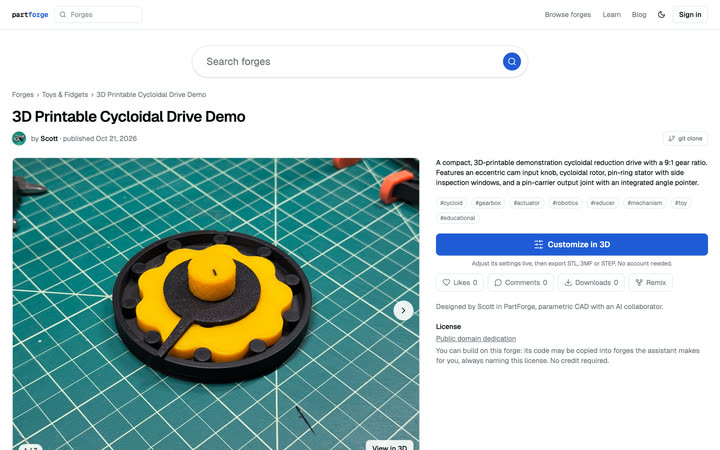 Screenshots: a forge page, the settings panel, the libraryDownload
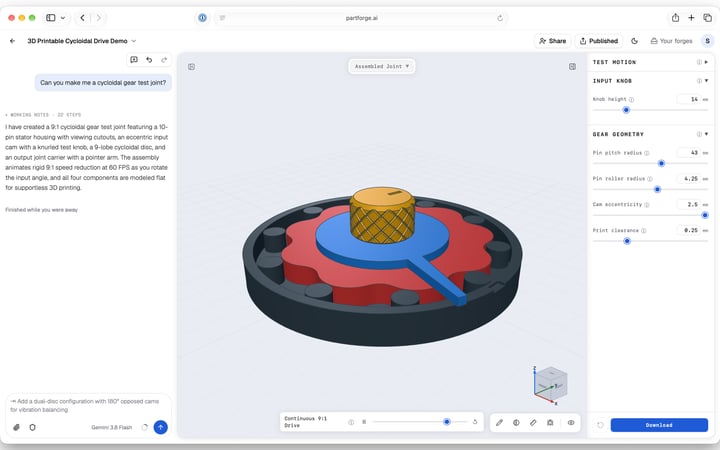 Screenshot: the editor, with a chatDownload
 Founder headshot (JPEG)Download

Write the name as PartForge. The logo spells it in lowercase, partforge.
Demo clips
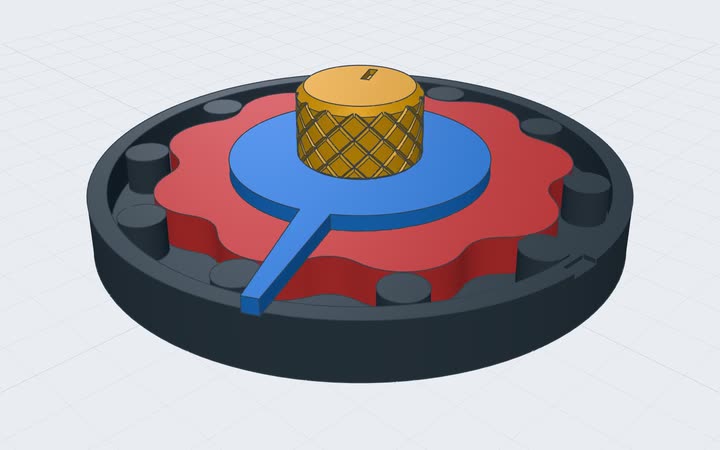
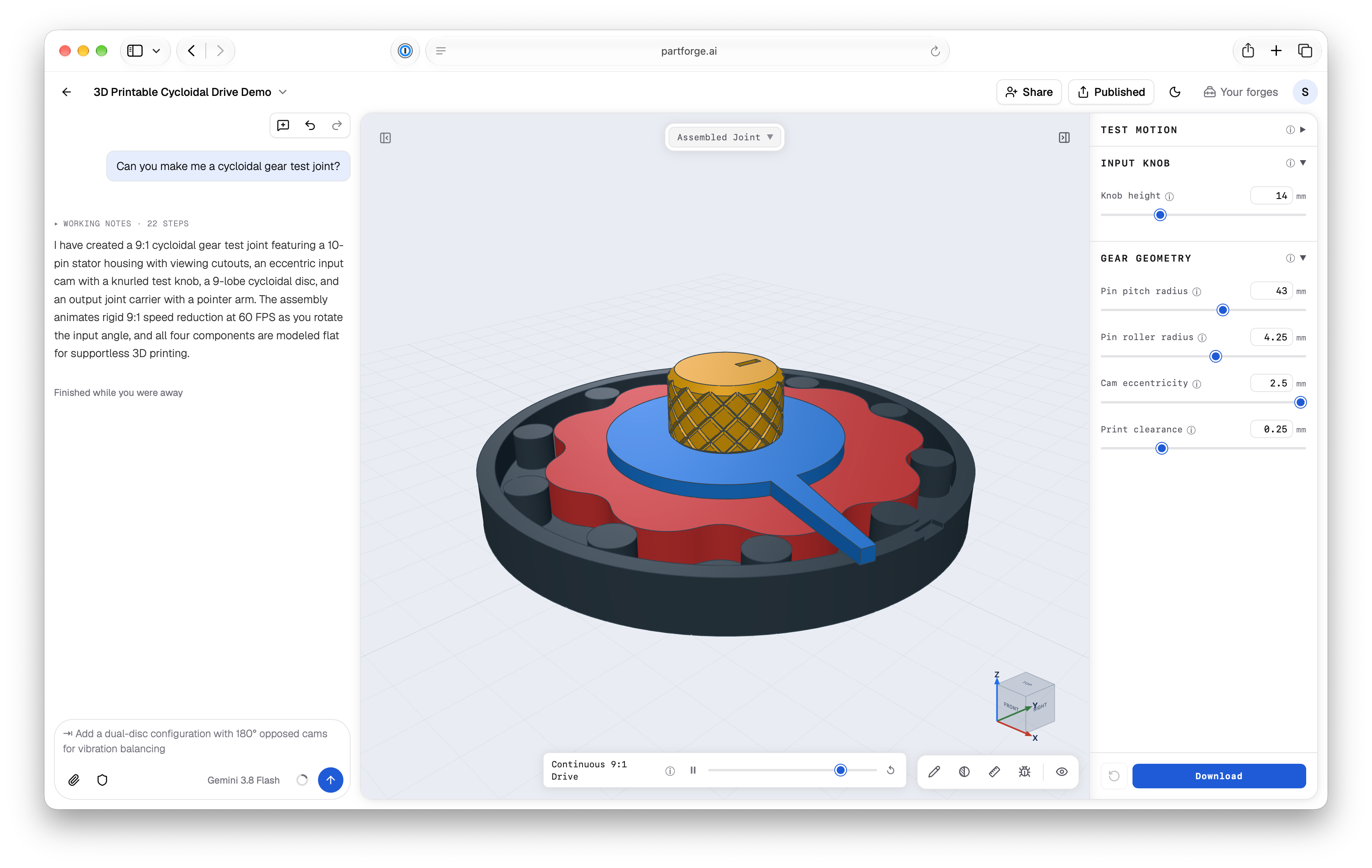
A cycloidal drive, turning
Watch or download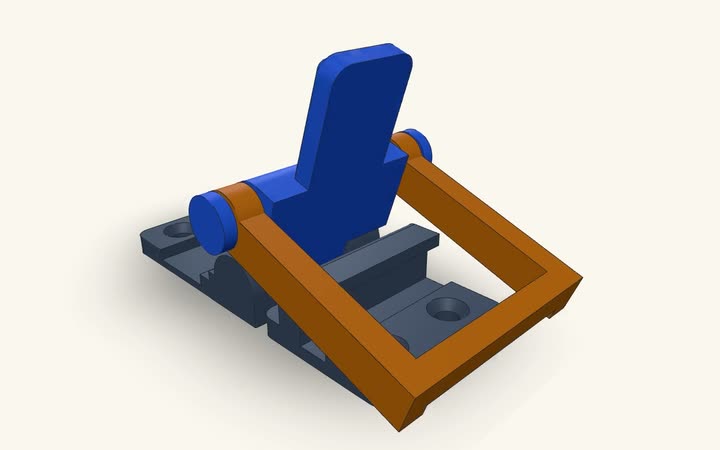
A print-in-place latch
Watch or download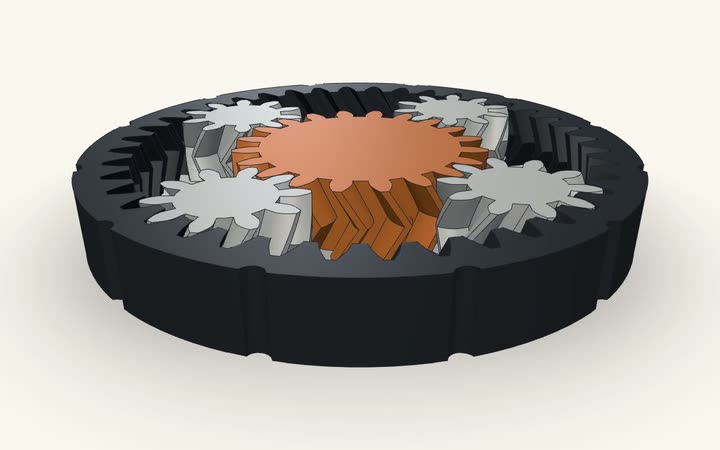
A planetary gear fidget
Watch or download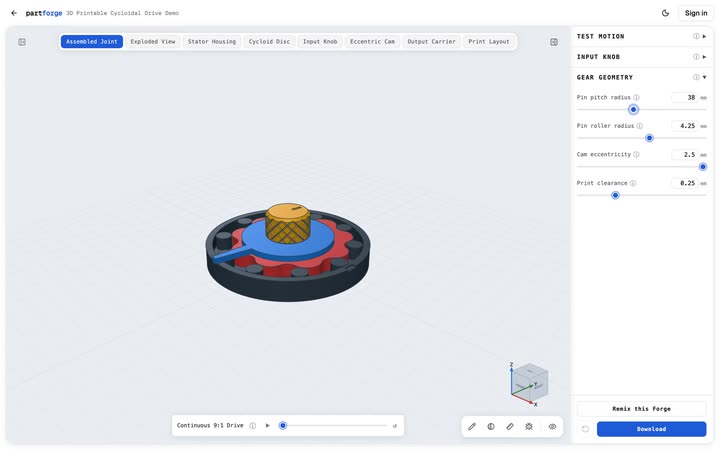
Moving a slider and watching the part rebuild
Watch or download
You can put any public forge from the library in your article, in 3D. It plays its animation, your readers can spin and zoom it, and Customize opens it in PartForge. Click Embed on the forge’s page, or add /embed to the end of its address and put that in an iframe:
<iframe src="https://www.partforge.ai/parts/<forge>/embed" width="560" height="484" style="border:0;max-width:100%" loading="lazy" title="A forge on PartForge"></iframe>Here’s how it looks:
Writing for an audience? We can make you a code that gives your readers a longer free trial. Just ask.